


 Runink RiverRIVER · Raft-Integrated Validated Event Runtime
The developer workstation that runs on s6.
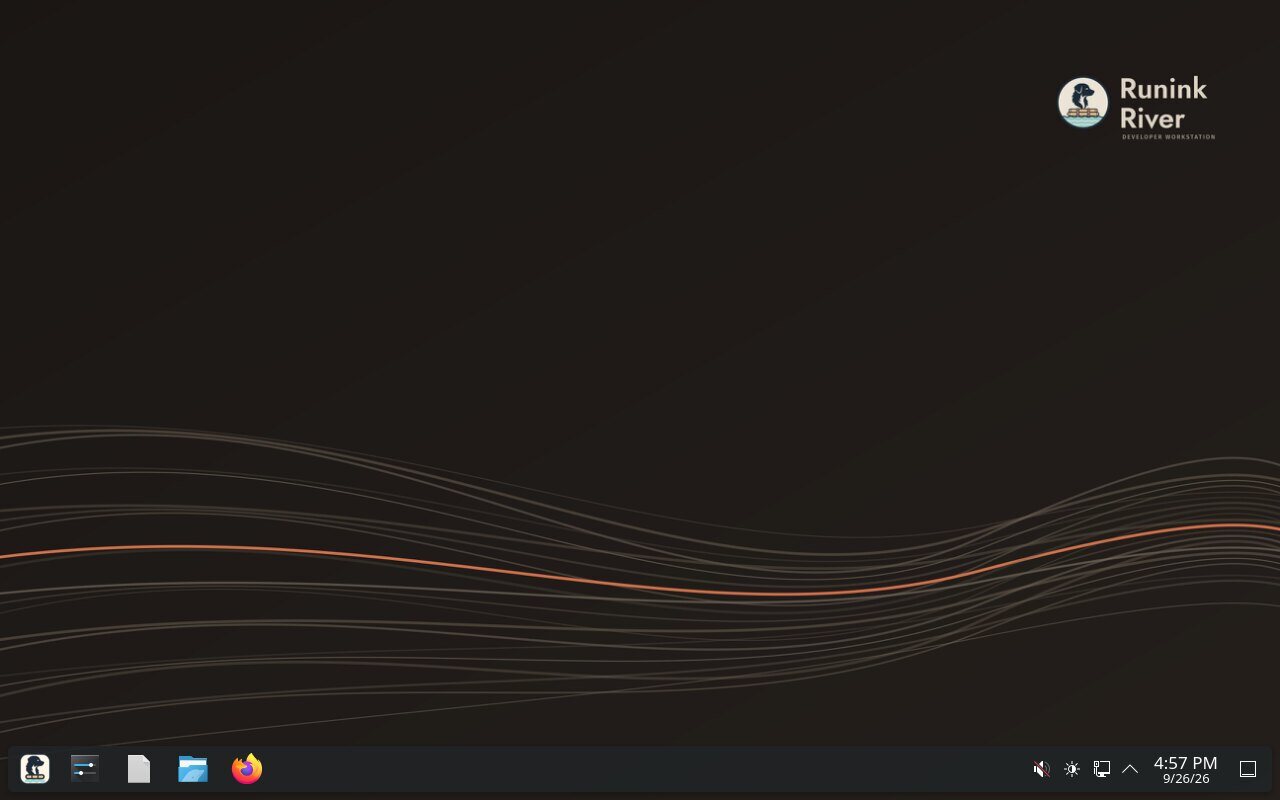
KDE Plasma on s6, never systemd. The zen-based linux-runink kernel, an encrypted ZFS root with boot environments, a default-deny firewall and a graphical installer, for data, analytics and AI work on hardware you own.
MIT userspace · GPL-2.0 kernel · proposed to the LF AI & Data Foundation as a Sandbox project
One init. One kernel. One encrypted pool. Nothing phones home.
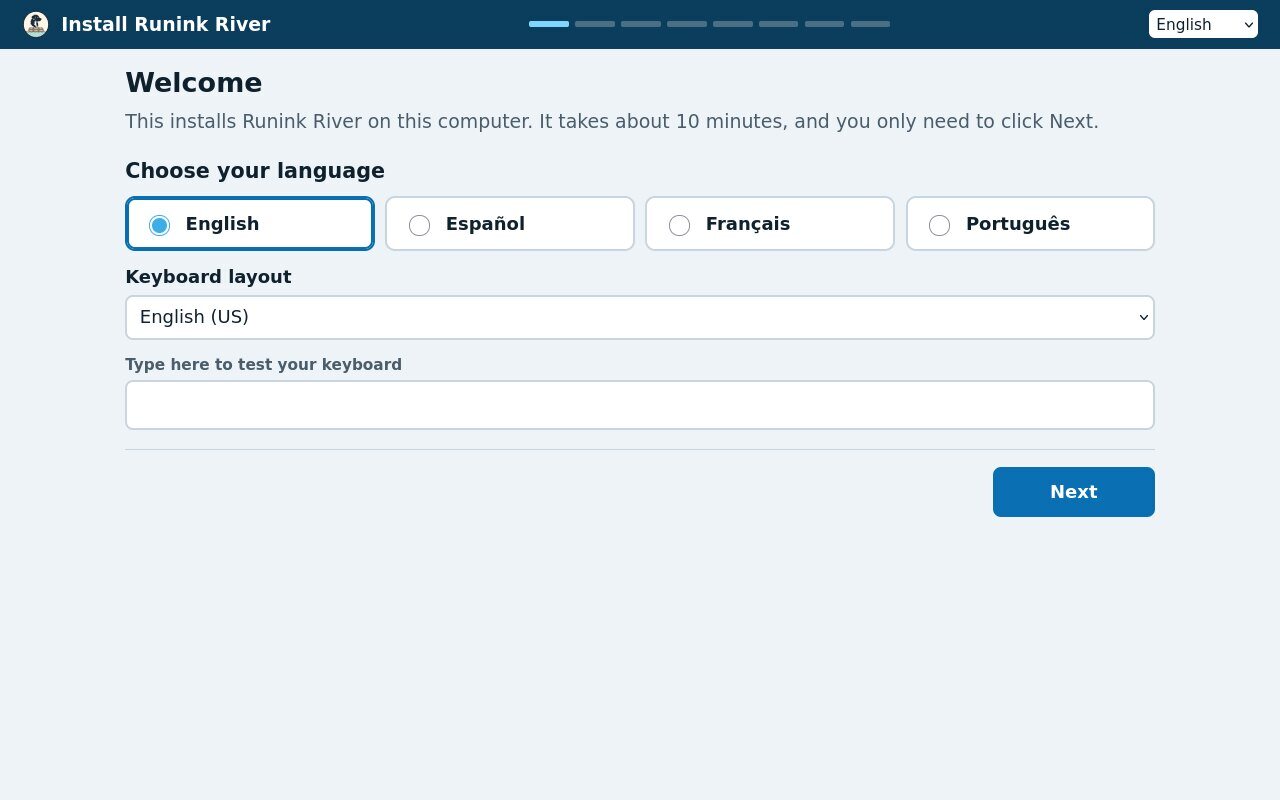
Click Next. It knows your machine.
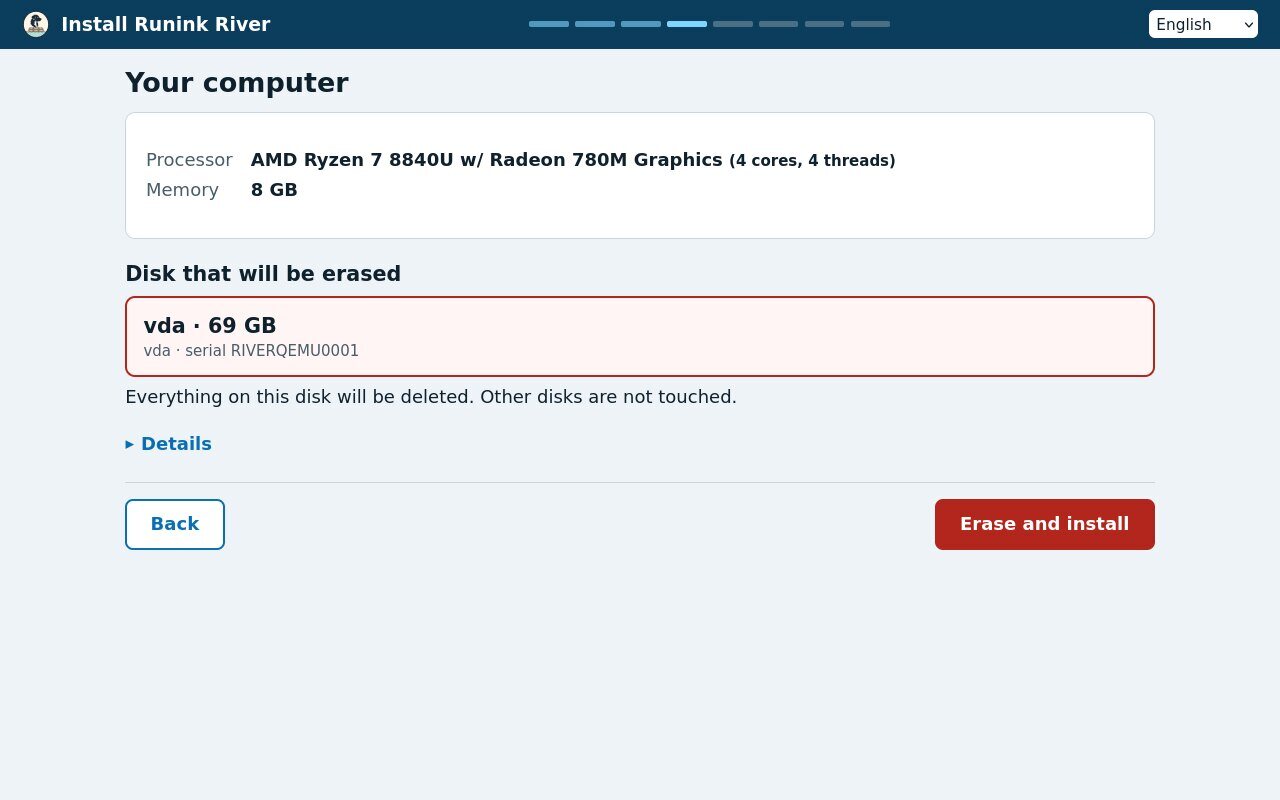
The installer is written for someone who has never installed an operating system. It measures the processor, memory and disks, and plans the install before it touches anything. You answer a few plain questions: language, keyboard, network, a name and a password.
- One erase gate. The disks it will erase are listed with their serial numbers, and you type a word to confirm.
- With or without internet. It copies the running system onto your disk, so it needs nothing from the network.
- A recovery key, shown once. Write it down or save it to a second stick before you go on.
Built for people who ship data work
Six parts, each small enough to read and each chosen so the machine behaves the same way every time it starts.
s6, never systemd
s6 starts the machine and supervises every service. The desktop, Bluetooth and printing are s6 services too. Services are plain directories you can read, not unit files.
linux-runink
The zen kernel on the 7.2.x stable series, tuned for long data jobs: 250 Hz, lazy preemption, huge pages on request, BBR. The desktop boots with full preemption, so Plasma stays quick.
Encrypted ZFS, with rollback
Every dataset sits under one encryption root, and /home has its own. Take a snapshot of the system before an update, and one reboot takes you back to it. Swap lives in RAM.
Default-deny firewall
Nothing gets in unless you open it, and everything you start can go out. It loads before the network does. Wi-Fi, DHCP and printers on your network keep working, and SSH stays closed until you list it.
river-sandbox
Run a build script from a pull request, or code a model wrote, with no network unless you ask and no way to reach your keys or secrets. A request for one of those folders is refused, not trimmed.
Kept locked down
CPU mitigations and memory hardening stay on. Modules are signed with a key made for each build. Secret files are owned by one account, and their modes are checked again at every boot.
How an install goes
Write a USB stick
Put the installer image on a USB stick with any image writer. The stick holds the whole system and the installer.
Boot and click Next
The live Plasma desktop opens the installer by itself. Pick a language, confirm the disk, set a name and a password.
Log in
The installer says the whole install takes about ten minutes. Then you type your disk passphrase and log in to your own workstation.
Want Runink River on your team's machines?
Tell us about the work your developers and analysts do, and the hardware they do it on. We will walk you through Runink River on a machine like theirs.
Data You Can Trust. Decisions You Can Defend.
runink.org/river/